Artificial intelligence is now a powerful, easily accessible tool. It can truly improve our daily lives. On your smartphone, you have several options to take advantage of this technology.
Whether you want to write a text or simply test AI to discover what it can do, there are simple solutions. Here are three ways to use AI directly from your phone:
1. Access ChatGPT with Yiaho
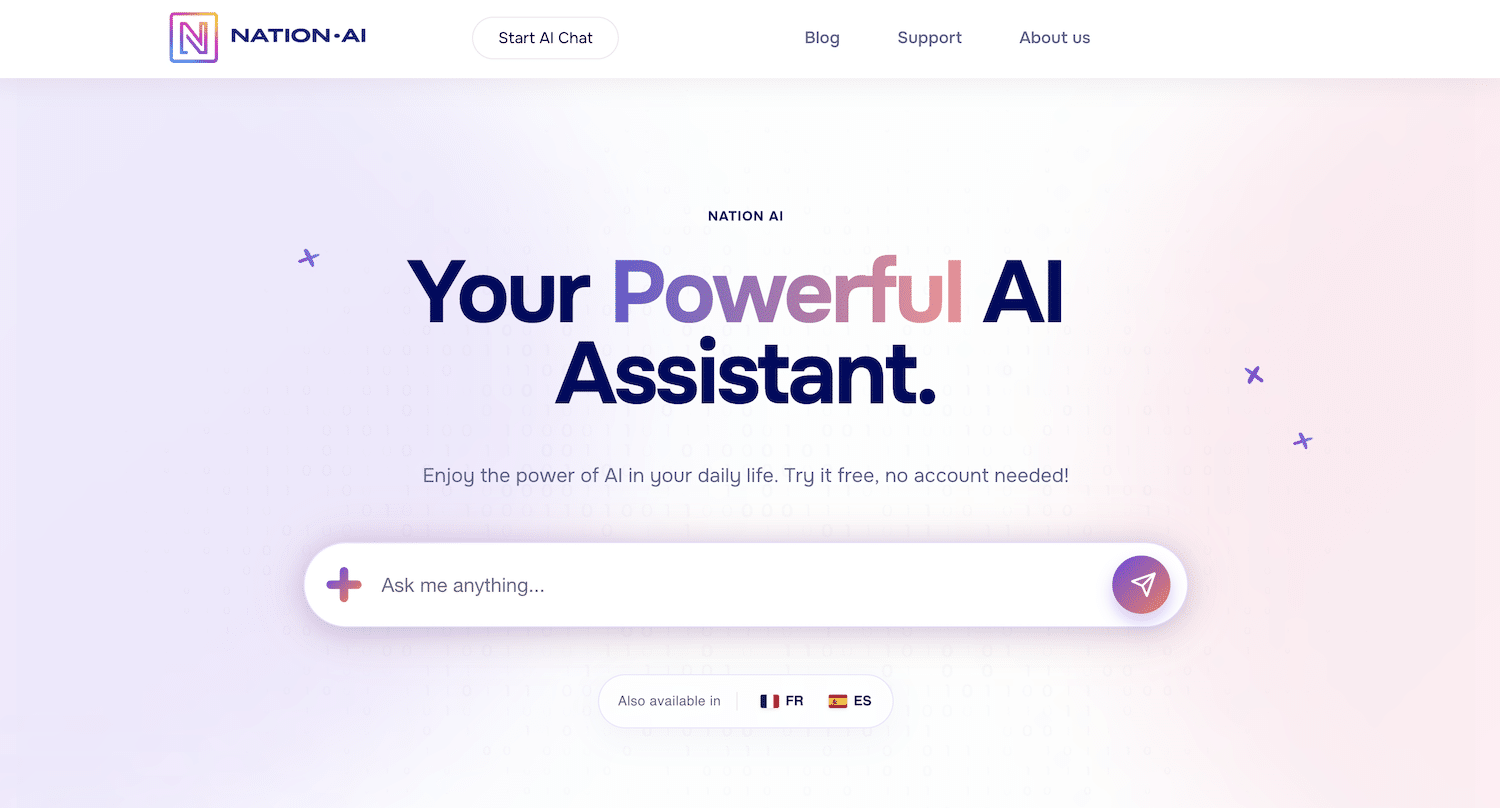
One of the easiest ways to use artificial intelligence on your phone is to access ChatGPT via the Yiaho platform. In just a few clicks, you can interact with ChatGPT for free, with no need to sign up.
Just go to our Yiaho website (you’re already here!), where a user-friendly interface lets you ask questions, request advice, or even generate content on a wide range of topics! Go to the Free discussion category, then choose the ChatGPT model you want.
On Yiaho, you also have access to several free AI tools, including:
- ChatGPT : For conversations and answers on a wide range of topics.
- Rephrase a text : To generate and rewrite texts and articles tailored to your needs.
- AI Detector : To check whether a text was written with the help of AI.
- An image generator : To create visuals from text descriptions.
Whether you need help with your studies, ideas for writing an article, or solutions to everyday problems, Yiaho makes AI available to you with unlimited use. It’s an opportunity to explore ChatGPT’s capabilities and boost your productivity.
If you want a free artificial intelligence app on your smartphone, you can follow our tutorial to add Yiaho to mobile.
2. Use voice assistants and other AI tools
Voice assistants such as Siri, Google Assistant, or Alexa can also be very useful for bringing AI into your daily life. These tools let you perform simple tasks without having to type on your screen. Here are some AI tools you can use:
- Siri : Apple’s voice assistant that helps manage your tasks, send messages, and get information.
- Google Assistant : A versatile assistant that can answer questions, control connected devices, and much more.
- Alexa : Amazon’s voice assistant, ideal for managing smart home devices and responding to voice requests.
- Cortana : Microsoft’s virtual assistant that can help organize your schedule and run searches.
These assistants are built into almost all modern smartphones, making them easy to use.
By asking questions or giving voice commands, you can quickly get information, launch apps, or control other connected devices. This makes the user experience smoother and more intuitive.
Although these tools may not seem like AI in the traditional sense, they are actually powered by advanced artificial intelligence technologies. We’ve been using these tools for years, often without even realizing it!
Also read: AI in Canada: which companies are there?
3. Explore other AI tools on the web
In addition to Yiaho, there are many other AI tools available on the web, but they may require a subscription or payment to access advanced features. Here are a few examples of paid AI tools:
- Grok : An AI tool available on Twitter that lets you not only chat, but also generate drawings in response to prompts. After about 10 interactions, you need to subscribe to Twitter to keep using its features.
- Gemini : Google’s AI that offers advanced language processing and content generation capabilities, suitable for a variety of professional use cases.
- Claude : Developed by Anthropic, this AI tool is designed to provide answers and advice across a wide range of fields.
Although these services are often paid, they can offer significant added value, especially if you’re looking to automate certain tasks or improve the quality of your content. Feel free to explore these options if you want more robust solutions tailored to your professional needs.
In short, using artificial intelligence on your phone is both simple and beneficial. Whether it’s through Yiaho to use ChatGPT, voice assistants for everyday tasks, or online tools for advanced features, you have everything you need to improve your AI experience on mobile!
We’d love to hear your feedback. Have you ever used AI on your phone? Which tools helped you the most? Feel free to share your thoughts and suggestions in the comments below!