It often happens that Chat GPT is slow or completely down. But what should you do in this situation? Did you know there are reasons for this problem and, more importantly… solutions!
ChatGPT, a powerful tool based on artificial intelligence developed by OpenAI, has revolutionized how users interact with technology by offering automatic answers to a multitude of questions and assisting with various tasks.
However, this tool may not always work as expected, which can be frustrating for users who rely on its reliability. In this article, we will explore the different reasons why ChatGPT might stop working and propose five solutions to resolve these issues.
Reasons Why ChatGPT Might Not Be Working Anymore
1. Internet Connection Issues
One of the most frequent causes of ChatGPT malfunctions is an unstable or non-existent internet connection. Since ChatGPT operates online, a reliable connection is necessary for the service to function correctly.
If your connection is slow or intermittent, it can lead to interruptions in service access, delayed responses, or even a complete inability to use the tool.
2. Server Overload
ChatGPT is a very popular service, used by millions of people worldwide. At times, demand can be so high that servers cannot keep up, which can lead to prolonged waiting times or errors. When Chat GPT is down, this is often the problem.
This often occurs during peak usage, for example, during busy hours or special events when many users try to access the service simultaneously. This is often during weekdays, during office hours!
3. System Updates or Maintenance
Like any other software, ChatGPT requires regular updates to fix bugs, improve security, and introduce new features. When an update is in progress, the service may be temporarily unavailable.
Similarly, regular maintenance operations may be necessary to ensure the proper functioning of servers and infrastructure. During these periods, you may not be able to access ChatGPT or its performance may be degraded.
Also read: How to Use AI? Your Ultimate Guide
4. Technical Problems or Bugs
No computer system is perfect, and ChatGPT is no exception. Sometimes, bugs or technical errors can occur, preventing the service from functioning properly. These problems can be due to a multitude of reasons, ranging from poor server configuration to undetected code errors.
Developers usually work quickly to identify and resolve these issues, but they can cause temporary service interruptions.
5. Geographical or Legal Restrictions
In some cases, access to ChatGPT may be restricted or blocked due to local regulations or government policies. For example, some countries may prohibit access to specific services or limit the use of artificial intelligence tools for security or data protection reasons.
If you are traveling or living in a region where such restrictions are in place, this may explain why ChatGPT is not working for you.
Chat GPT Not Working Anymore: Six Solutions to Address These Issues
Now that we’ve explored the reasons why ChatGPT might stop working, let’s look at five solutions to resolve these issues.
1. Check Your Internet Connection
The first step to resolving any problem with ChatGPT is to check your internet connection. Make sure your connection is stable and fast. Here are some tips to improve your connection:
- Restart your router/modem: Sometimes, restarting your network equipment can resolve connection issues.
- Try another connection: If possible, switch to another Wi-Fi network or use your mobile data to see if the problem persists.
- Test your connection speed: Use an online tool to test your internet connection speed. A slow connection can be the cause of the problem.
If you find that your internet connection is the source of the problem, contact your internet service provider for assistance.
2. Wait… and Try Again Later!
If the problem is due to server overload, the best solution is often to wait and try again later. Traffic peaks are usually temporary, and once demand decreases, the service should return to normal.
In the meantime, you can try accessing ChatGPT during less busy times, such as early morning or late evening. Or, of course, use our Yiaho platform, which offers a free Chat GPT that works all the time!
3. Check Service Status and Updates
Before concluding that the problem is on your end, it’s important to check if ChatGPT is undergoing maintenance or an update. Many online services, including ChatGPT, provide real-time information on their service status. Here’s how you can check ChatGPT’s status:
- Consult the official website or status page: OpenAI and other platforms often provide status pages where you can see if the service is operational or if there are ongoing issues.
- Follow social media: Official accounts on Twitter, Facebook, or LinkedIn can provide real-time updates regarding service outages or scheduled maintenance.
By staying informed, you’ll know if the problem is temporary and when you can expect it to be resolved.
4. Try Another Device or Browser
If you’re experiencing problems with ChatGPT on a specific device, it’s possible that the issue is related to that device rather than the service itself. Try accessing ChatGPT from another device, such as a smartphone, tablet, or another computer. Similarly, changing browsers can sometimes resolve compatibility issues. Browsers like Google Chrome, Firefox, Microsoft Edge, and Safari are all compatible with ChatGPT, but specific extensions or settings might cause problems.
Here’s what you can try:
- Clear your browser’s cache: Cached data can sometimes cause problems. Clear your browser’s cache and try accessing ChatGPT again.
- Disable browser extensions: Some extensions can interfere with ChatGPT. Temporarily disable them to see if that resolves the issue.
- Update your browser: Make sure you are using the latest version of your browser to avoid compatibility issues.
5. Use Yiaho
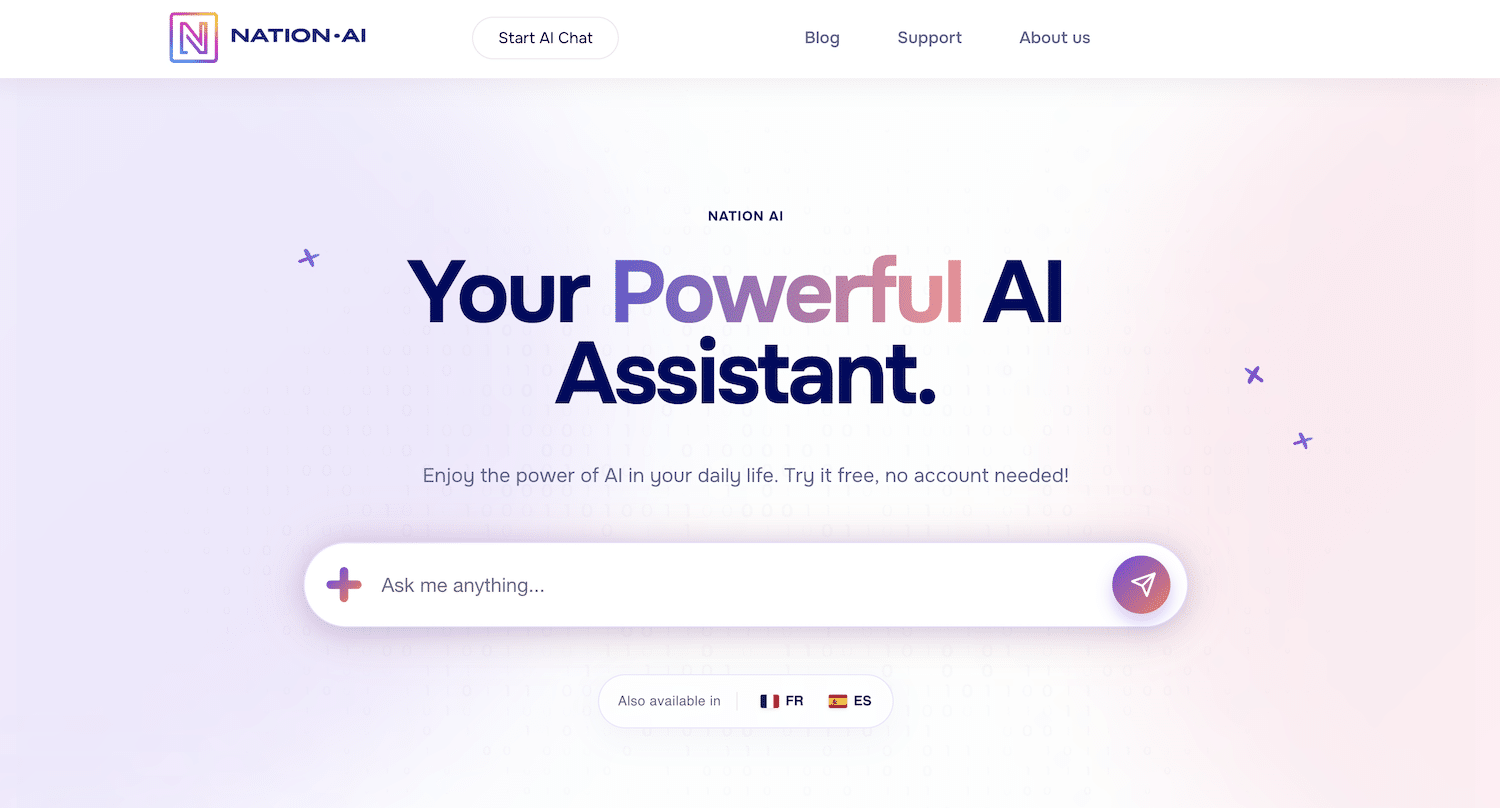
If ChatGPT is experiencing persistent problems and the previous solutions are not enough, it may be helpful to explore alternatives like Yiaho. Yiaho is our AI-powered chatbot platform, similar to ChatGPT, which can provide answers and assistance on various topics.
By using Yiaho, you can continue to access a powerful AI assistant even if ChatGPT is temporarily unavailable. Additionally, Yiaho sometimes offers unique features that can complement those of ChatGPT, making it an interesting option when needed!
See also: Free AI for Coding: Here’s How to Do It
Conclusion
ChatGPT is a powerful and versatile tool, but like any technology, it can encounter problems from time to time. Whether due to connection issues, server overloads, maintenance, technical bugs, or geographical restrictions, these interruptions can be frustrating. However, by following the solutions proposed in this article, you can resolve most problems and continue to use ChatGPT effectively.
Remember that if you cannot solve a problem on your own, it is always helpful to consult OpenAI’s official resources or ask for help from the online community. By taking a proactive approach, you will be able to overcome obstacles and make the most of this incredible artificial intelligence tool.